 Mike-Solar
35b9ad9541
Mike-Solar
35b9ad9541
FFmpeg 8 removed the standalone hardware decoders (h264_videotoolbox/
vaapi/nvdec/d3d11va no longer exist in its configure) — hardware decode
now only exists as a hwaccel attached to the software decoder. The new
oakcodec::hwdecode module therefore opens the regular decoder with the
platform's hardware device context attached (VideoToolbox on macOS,
VA-API then NVDEC on Linux, D3D11VA then NVDEC on Windows): FFmpeg
engages the matching hwaccel, decodes into hardware surfaces, and we
transfer them to system memory (NV12/P010) ahead of swscale.

- HardwareDecoding config switch, default ON by mandate; a checkbox in
  Preferences > Rendering (EN/ZH); device creation failure skips to the
  next candidate and finally to software; a decode-time failure on a
  hardware session reopens it as software and retries once.
- hw_decoder_name() observability hook plus a HW_TRANSFERS counter so
  tests can prove the hwaccel really engaged (not silently software).
- Verification: demo.mp4 H.264 decodes through VideoToolbox with a
  transferred hardware surface, and the pixels match the software
  decode within 0.05; switch off forces software.
- build-ffmpeg.sh also enables nvdec when ffnvcodec headers exist.


Oak Video Editor
Oak Video Editor is a free non-linear video editor for Windows, macOS, and Linux.
This project is a community-maintained fork of Olive Video Editor.
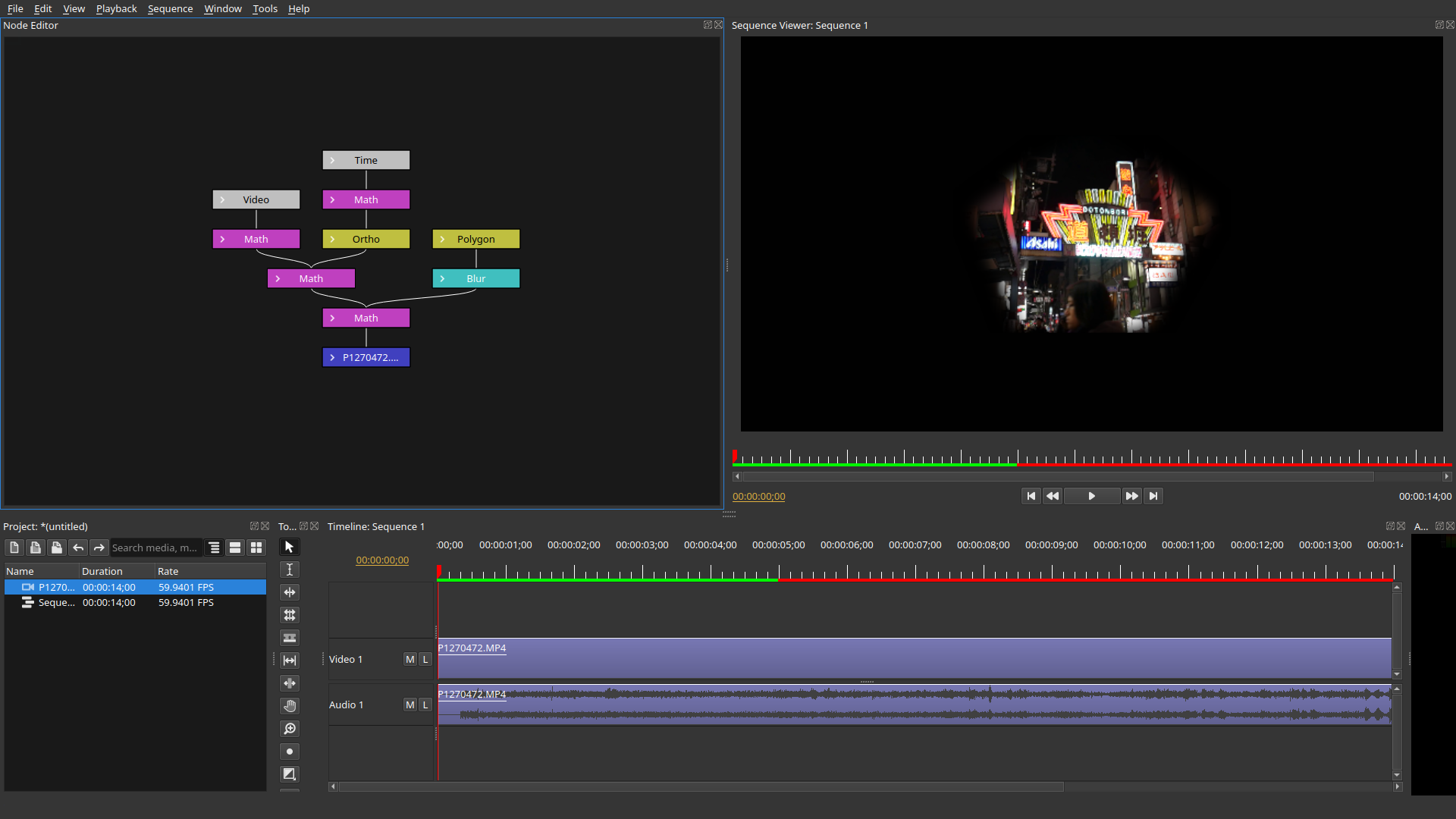
NOTE: Oak Video Editor is alpha software and is considered highly unstable. While we highly appreciate users testing and providing usage information, please use at your own risk.
Binaries
The binary can be downloaded here:
Building from Source
See docs/build.md for build instructions on Windows (MSYS2), Linux (Debian/Ubuntu, Fedora, Arch Linux), and macOS.
Documentation
- Project Storage Architecture (中文) — database write-through persistence, node-granular journal, persistent undo
- Build guide · 工程文件格式
Roadmap
| Version | Theme | Core Deliverables | Boundary Notes |
|---|---|---|---|
| 0.3 | Plugin Architecture Milestone | Production-ready OpenFX host support | Not about quantity of plugins, but "any OFX plugin loads without crashing" |
| 0.4 | Color, Audio & Performance | .cube/.3dl support, scopes (waveform/vectorscope/histogram), three-way color wheels, waveform auto-sync, BWF timecode sync, audio meters (LUFS/VU), proxy media workflow, hardware-accelerated export (NVENC/VideoToolbox), batch render queue |
Combines the previous 0.4-0.6 scope into one usability milestone: color workflow, audio sync, and 4K/8K performance |
| 0.5 | Animation, Tracking & Collaboration | Bézier keyframe curve editor, basic point tracking, image stabilizer, full multicam angle switching, OpenTimelineIO, EDL/XML import/export | Combines the previous 0.7-0.8 scope into one timeline/interchange milestone |
| 0.6 | Stability Milestone | Project file format freeze (backward compatibility promise), crash recovery, autosave, memory optimization | "Feature freeze" testing period before 1.0 |
| 1.0 | Production Ready | Complete documentation, installers, known issues list, community support channels | Declared "ready for serious projects" |