 Mike-Solar
09c7e7de32
Mike-Solar
09c7e7de32
With the global proxy switch on, footage that needs a proxy now gets
one generated in the background automatically — on import, on project
open, and when proxy use is enabled for a footage — instead of only
through the manual Generate menu action. Footage explicitly opted out
(a recorded proxy path with use disabled) and footage whose last
generation failed are not restarted; the generation path enables proxy
use so preview switches to the proxy as soon as it is ready.

The bin shows the lifecycle as a corner badge on each footage entry
(green P = ready, amber P = generating, red ! = failed; the widget
half lives in the gpui fork, submodule bumped here).

Includes a real-media test driving ProxyTask end-to-end on 4K H.265
4:2:2 10-bit (the media class the 4K playback lag was reported on):
180 s transcodes to a 720p proxy in ~25 s.


Oak Video Editor 
Oak Video Editor is a free non-linear video editor for Windows, macOS, and Linux.
This project is a community-maintained fork of Olive Video Editor.
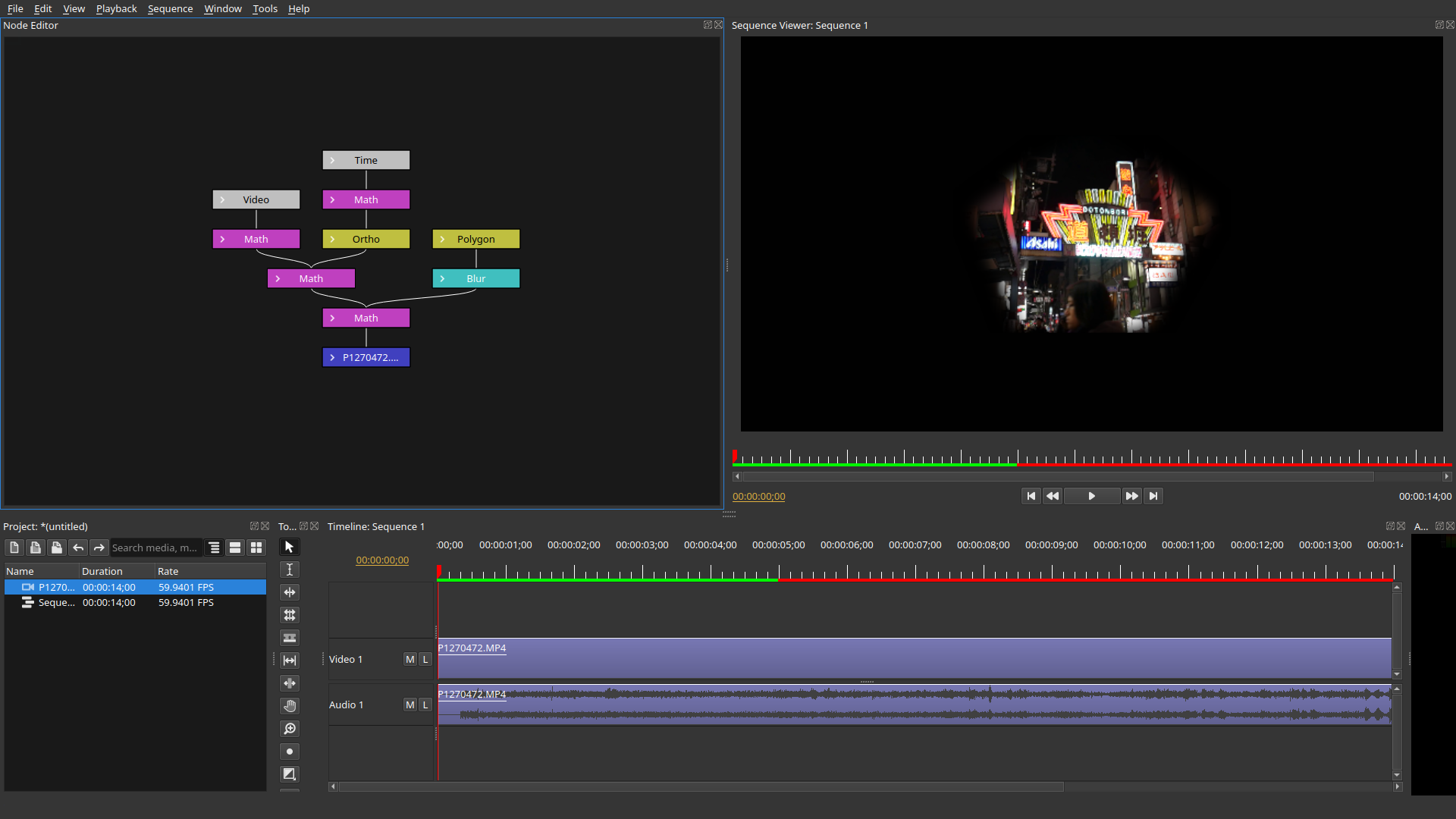
NOTE: Oak Video Editor is alpha software and is considered highly unstable. While we highly appreciate users testing and providing usage information, please use at your own risk.
Binaries
The binary can be downloaded here:
Building from Source
See docs/build.md for build instructions on Windows (MSYS2), Linux (Debian/Ubuntu, Fedora, Arch Linux), and macOS.
Documentation
- Project Storage Architecture (中文) — database write-through persistence, node-granular journal, persistent undo
- Build guide · 工程文件格式
Roadmap
| Version | Theme | Core Deliverables | Boundary Notes |
|---|---|---|---|
| 0.3 | Plugin Architecture Milestone | Production-ready OpenFX host support | Not about quantity of plugins, but "any OFX plugin loads without crashing" |
| 0.4 | Color, Audio & Performance | .cube/.3dl support, scopes (waveform/vectorscope/histogram), three-way color wheels, waveform auto-sync, BWF timecode sync, audio meters (LUFS/VU), proxy media workflow, hardware-accelerated export (NVENC/VideoToolbox), batch render queue |
Combines the previous 0.4-0.6 scope into one usability milestone: color workflow, audio sync, and 4K/8K performance |
| 0.5 | Animation, Tracking & Collaboration | Bézier keyframe curve editor, basic point tracking, image stabilizer, full multicam angle switching, OpenTimelineIO, EDL/XML import/export | Combines the previous 0.7-0.8 scope into one timeline/interchange milestone |
| 0.6 | Stability Milestone | Project file format freeze (backward compatibility promise), crash recovery, autosave, memory optimization | "Feature freeze" testing period before 1.0 |
| 1.0 | Production Ready | Complete documentation, installers, known issues list, community support channels | Declared "ready for serious projects" |