 Bin Wang
8bd803942d
Bin Wang
8bd803942d
The location of Assistant contexts in the docs is wrong. The actual path
for the contexts is defined
[here](https://github.com/zed-industries/zed/blob/1eec601afb8cb0b2eafe111de1a505049202e19f/crates/paths/src/paths.rs#L159-L171).

Release Notes:

- N/A
1.0 KiB
Introducing Contexts
Contexts are like conversations in most assistant-like tools. A context is a collaborative tool for sharing information between you, your project, and the assistant/model.
The model can reference content from your active context in the assistant panel, but also elsewhere like the inline assistant.
Saving and Loading Contexts
After you submit your first message, a name for your context is generated by the language model, and the context is automatically saved to your file system in
~/.config/zed/conversations(macOS)~/.local/share/zed/conversations(Linux)%LocalAppData%\Zed\conversations(Windows)
You can access and load previous contexts by clicking on the history button in the top-left corner of the assistant panel.
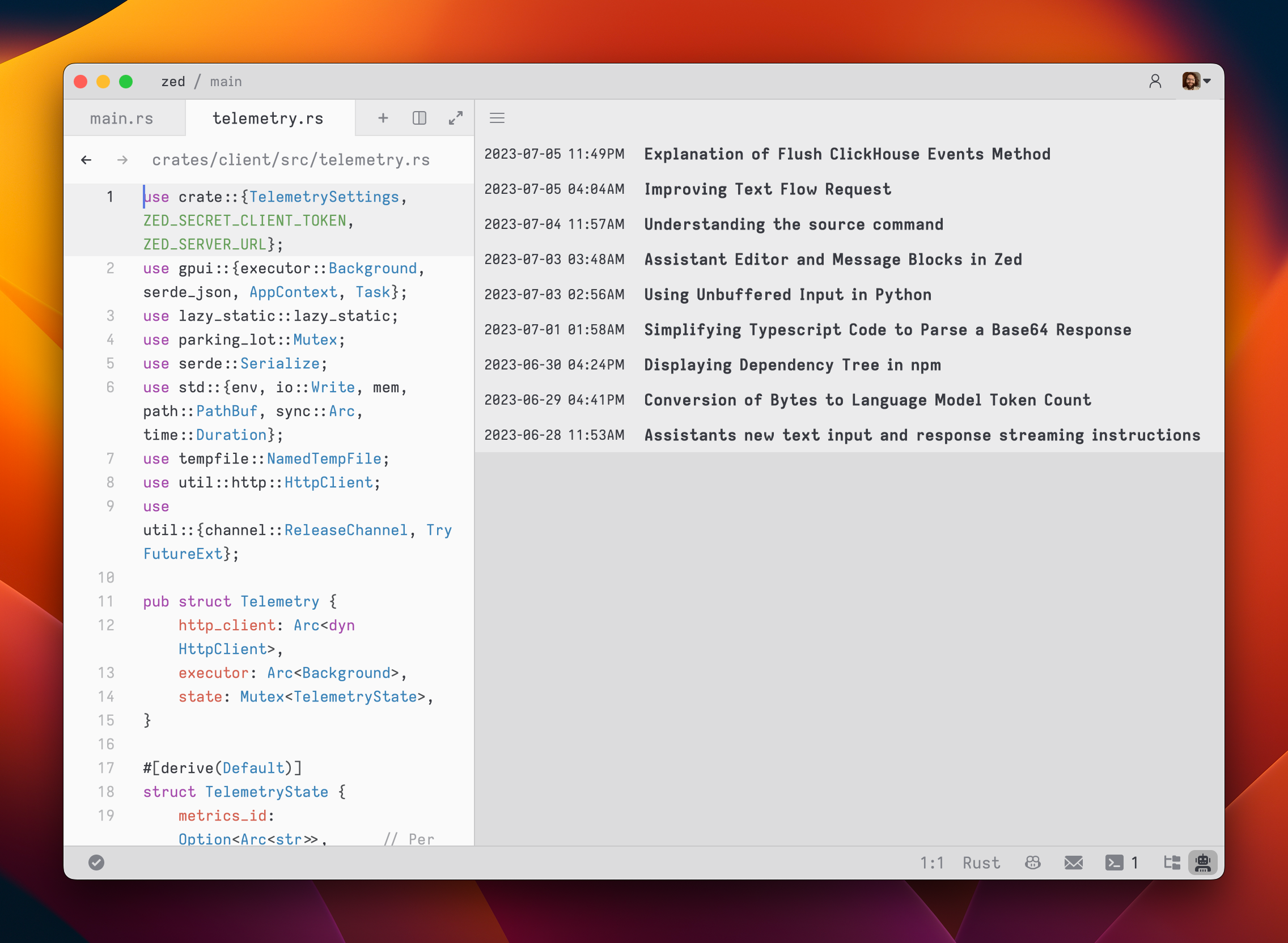
Viewing Past Contexts
You can view all previous contexts by opening the History tab in the assistant panel.
Open the History using the menu in the top right of the assistant panel and choosing History.